Can I Take Boudoir Photos With Just My iPhone?
Question: Can I Take Boudoir Photos With Just My iPhone?
Answer: You can absolutely take boudoir photos with just your iPhone. However, for the best results, avoid using the native iPhone Camera app, as it doesn’t allow you to lock your exposure, which means your exposure might shift mid-shot.
Instead, use a manual camera app that gives you control over settings like exposure, white balance, ISO, and focus. Manual control will prevent your exposure from shifting making things way easier.
iPhone Manual Camera Apps
The following are some good manual iPhone camera apps you can check out:
- Halide – Best overall manual camera app
- Professional-level control with a clean, intuitive interface
- Full manual exposure, RAW capture, focus peaking, and live histograms
- Especially great for portraits and skin tones
- ProCamera – Most comprehensive feature set
- Offers HDR, LowLight Plus, portrait mode enhancements, and manual video too
- Full manual shooting with ISO, shutter speed, and white balance control
- Ideal if you want one app that does it all
- Manual – RAW Camera – Budget-friendly, highly focused
- Simple, stripped-down manual control
- Lets you adjust focus, shutter, ISO, and white balance
- A great entry point if you’re trying manual settings for the first time
How To Take Boudoir Photos of Yourself With iphone
Follow these tips from my diy boudoir photography guide to take better boudoir photos with just your iphone, some good light and smart technique:
- Skip the iPhone’s native Camera app. It automatically adjusts exposure, which can shift and frustrate you mid-shoot. Instead, download a manual camera app like Halide, ProCamera, or Manual. These let you lock exposure, focus, and white balance so your shots stay consistent once you’ve dialed in the perfect settings.
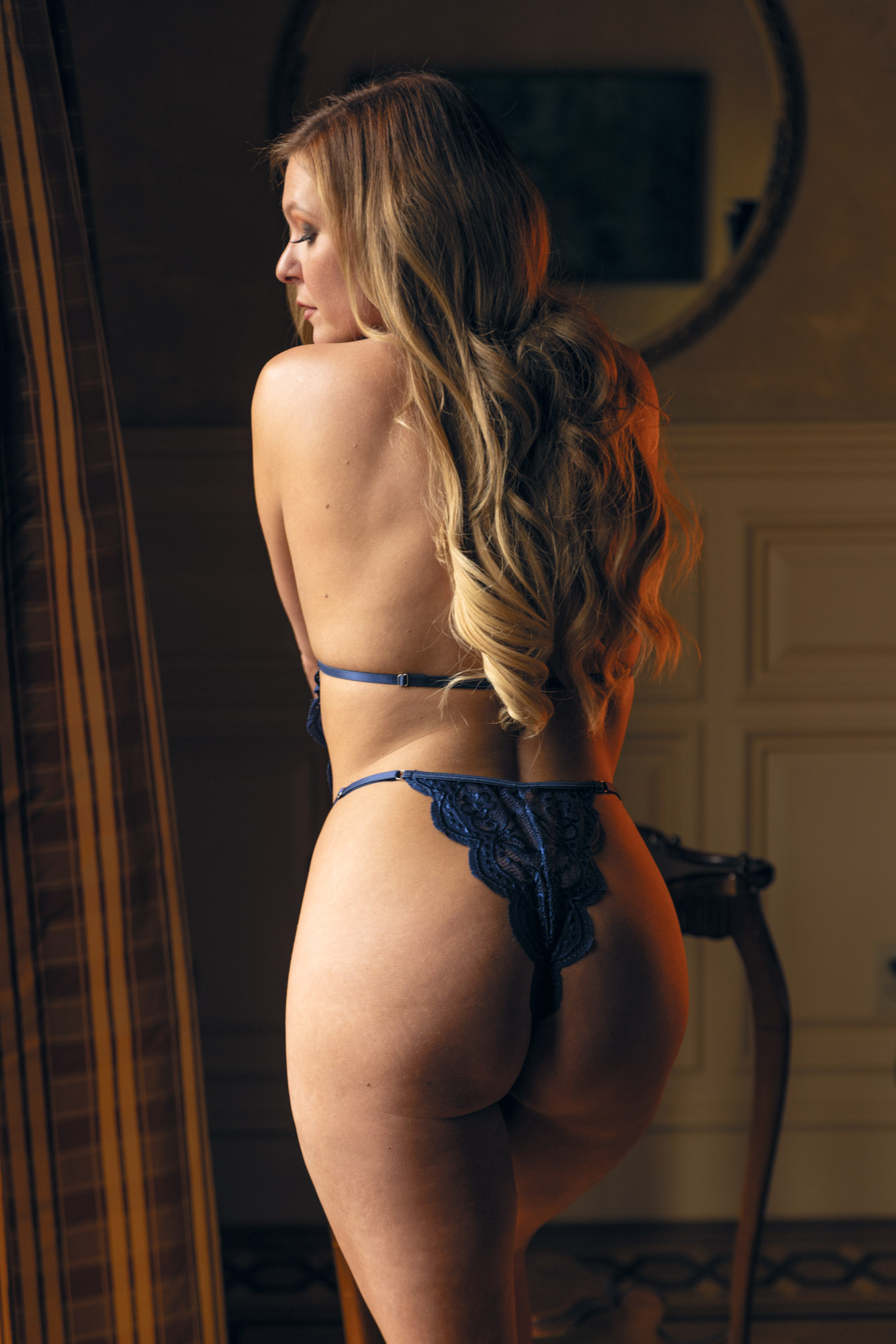
- Use natural window light as your main light source. A north-facing window gives soft, flattering indirect light that’s perfect for boudoir. Position yourself with the window to your left or right for beautiful cross-lighting that shapes your curves and adds depth, or shoot toward the window for a sexy silhouette look.
- Choose or create a pleasing background around your best light. Bring in a cozy chair, textured blanket, throw pillows, plants, or rearrange furniture. Sheer curtains can soften the light and instantly elevate the scene without extra gear.
- For framing, start with the rear camera for higher-quality images, but switch to the front-facing camera if you’re struggling to compose your shot while posing. For the most slimming and flattering effect (especially if you’re plus-size), keep the camera at or above eye level.
- Pose into your lighting. Turn sideways to the window so the light and shadows naturally highlight your curves and give the image dimension. Focus on subtle confidence through your expression rather than memorizing complicated poses.
- Take multiple shots in the same pose. This increases your chances of catching the perfect flirty expression and body position. Delete the ones you don’t like later.
- Get the camera farther than arm’s reach when possible. A simple tripod and Bluetooth remote trigger (or even the built-in timer) will give you more natural angles and creative freedom. At the very least, some sort of phone stand is better than nothing at all so you can easily put your phone back in the right spot for repeatability between shots.